Trips
A record that keeps up.
Automatic mileage, Business and Personal tags, and a history you can jump through by month.
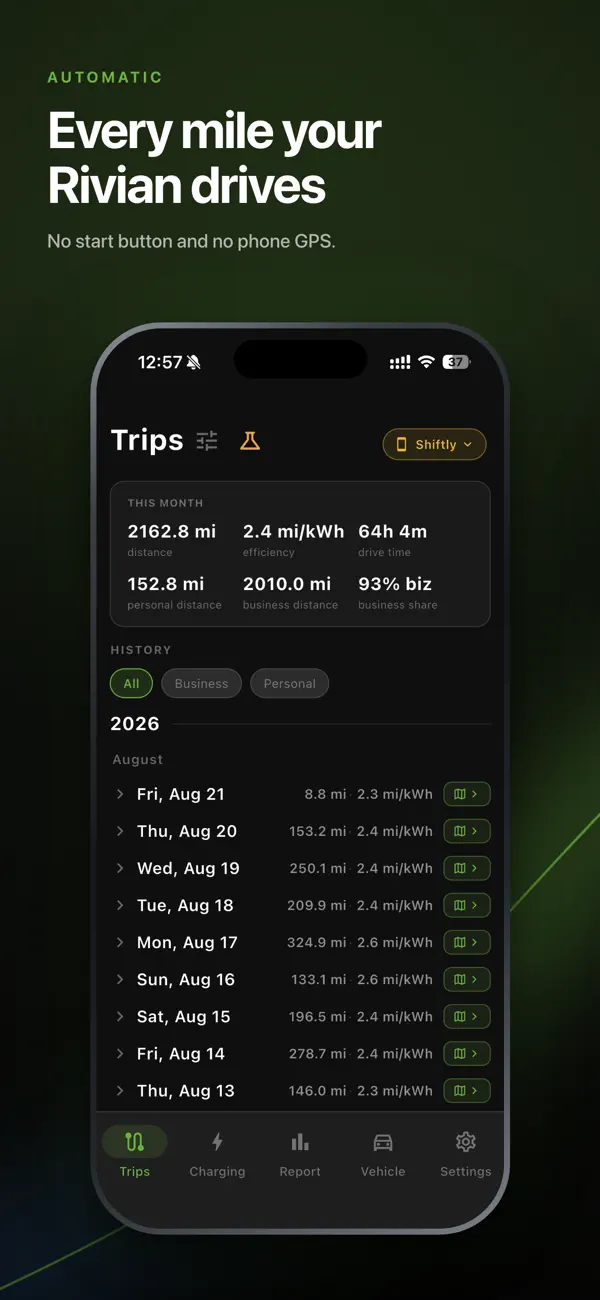
Automatic mileage tracking for Rivian
Miles straight from your car’s odometer. Keep business and personal driving separate, and see your week or month at a glance.
No phone GPS. Works with the app closed.
How it works
Sign in to Shiftly and connect your vehicle account.
Your car’s data becomes a record of your trips.
Mark drives Business or Personal, or set a default.
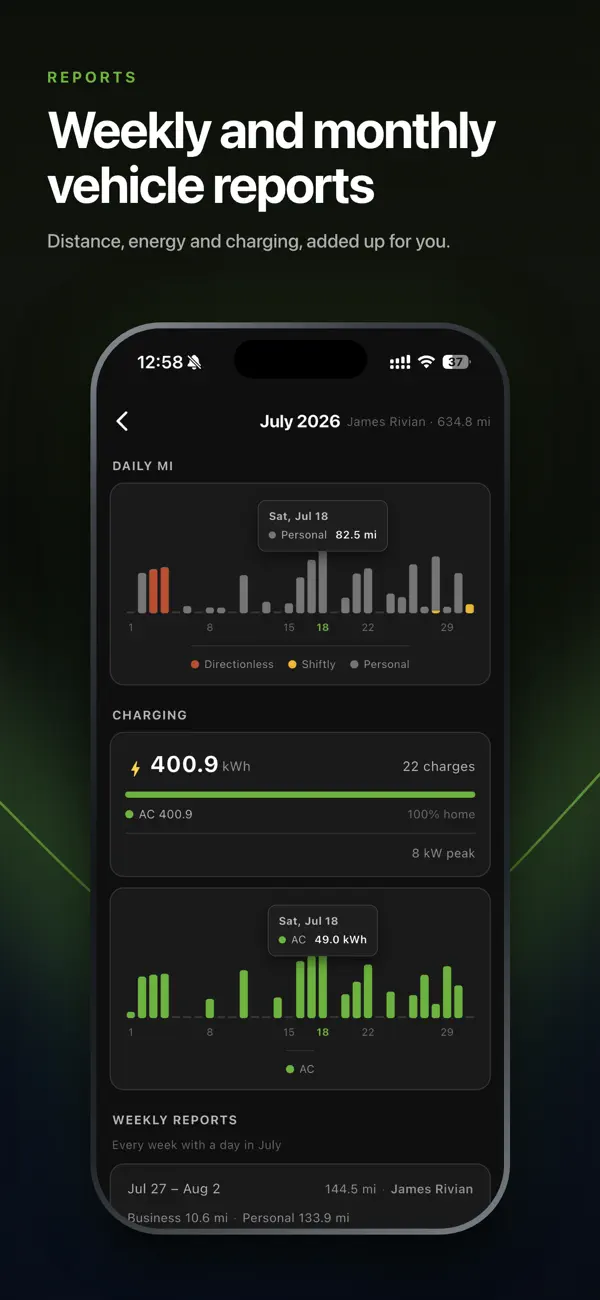
Weekly and monthly reports bring your mileage together.
Your driving, organized
For client visits, deliveries, and all the everyday miles in between.
Trips
Automatic mileage, Business and Personal tags, and a history you can jump through by month.
Reports
Review miles by vehicle and business, alongside energy and charging.
Explore reportsCharging
See home and public charging sessions, energy added, and costs when available. Add your home rate to price home charges.
Explore chargingPrivacy & control
Shiftly uses your Rivian’s telemetry, including vehicle location when enabled. Your phone’s GPS stays out of it.
Read the privacy policyShiftly is built for Rivian vehicles: R1T, R1S, and R2. You can track multiple vehicles on your account.
No. Collection runs in the cloud from your vehicle’s data while tracking is enabled.
You can tag each drive yourself or set a per-vehicle default, including different defaults by weekday.
Weekly and monthly reports are available today. Downloadable annual tax report export is still in development.
Check the current Shiftly listing in the App Store or Google Play before downloading.
Connect your car. Drive normally. Find your miles already logged.

